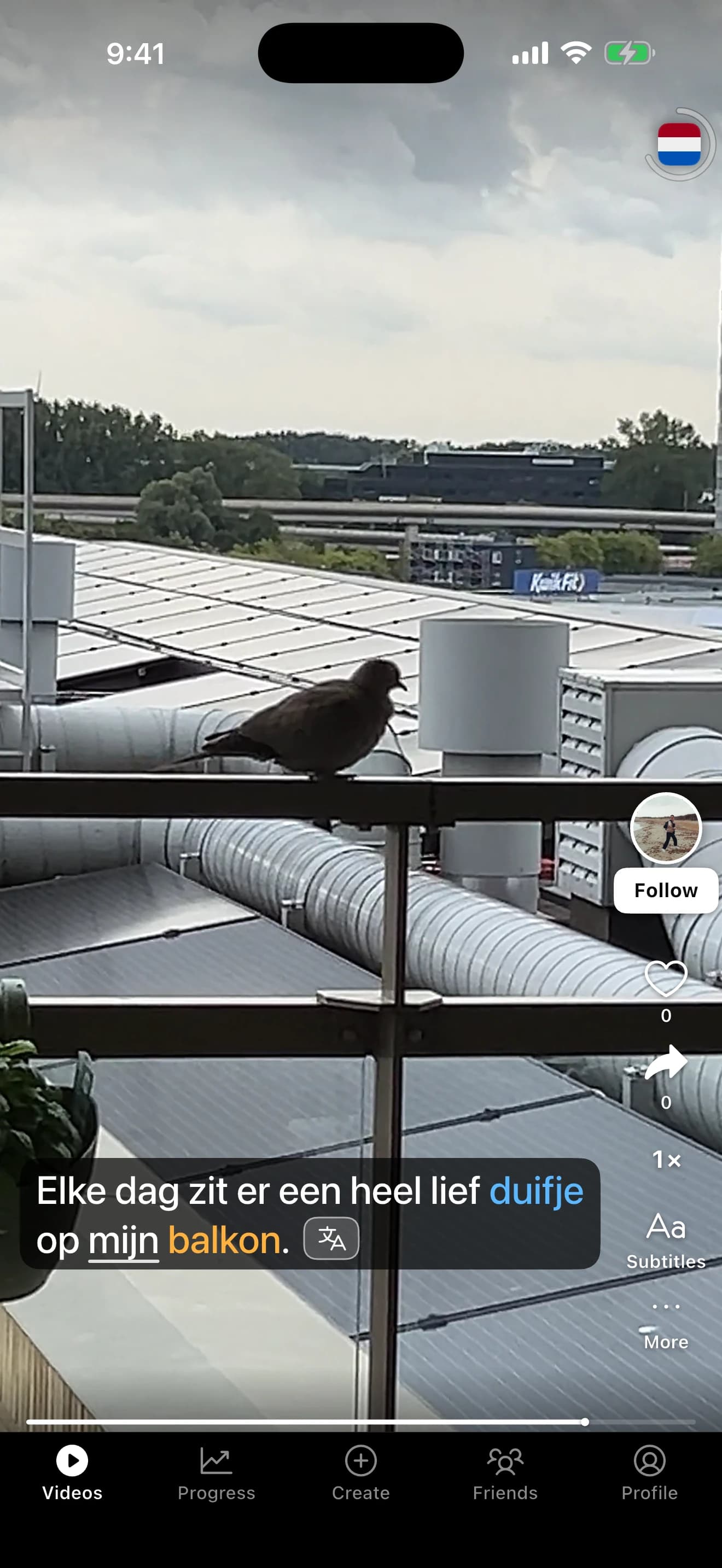
Short videos, picked for your level. Hold any word to see what it means in that sentence.

Also German, Spanish and Mandarin Chinese. Free to download.
Understand
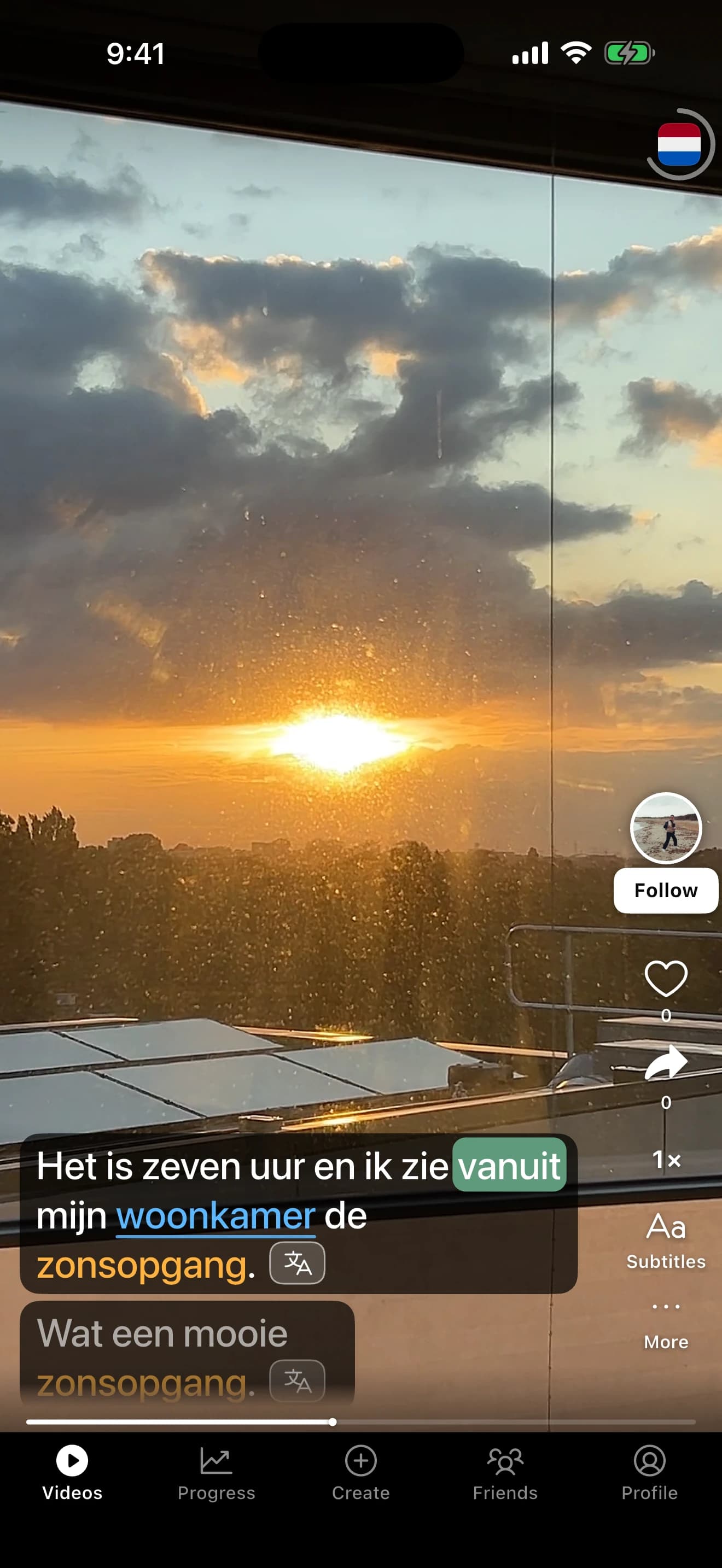
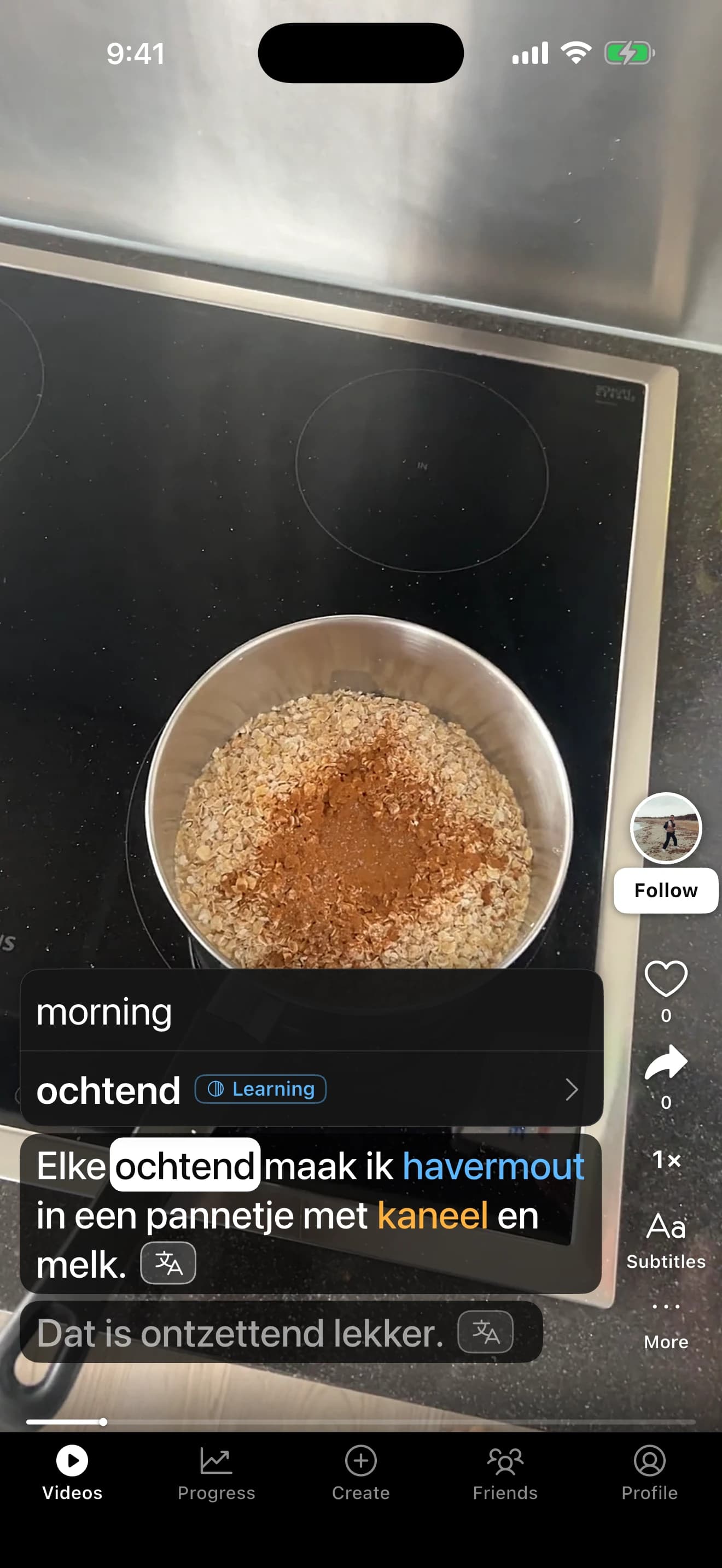
You see what it means in this sentence, not a dictionary dump. Missed a whole line? Hold the translate icon to translate it.
Dutch, decoded
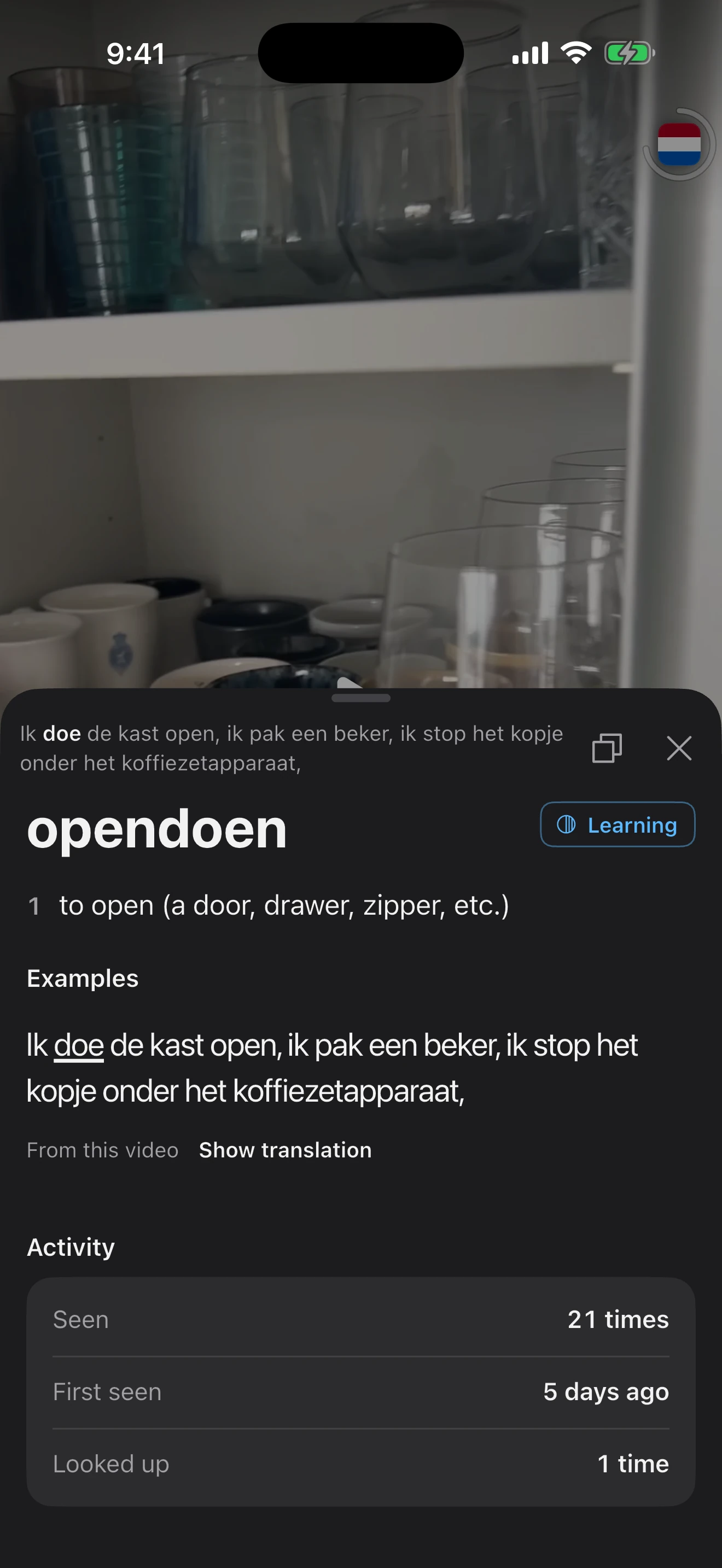
Dutch splits its verbs and glues words together. In “Ik doe de kast open”, doe belongs to opendoen, and every form you meet leads back to the word you are learning.
Remember
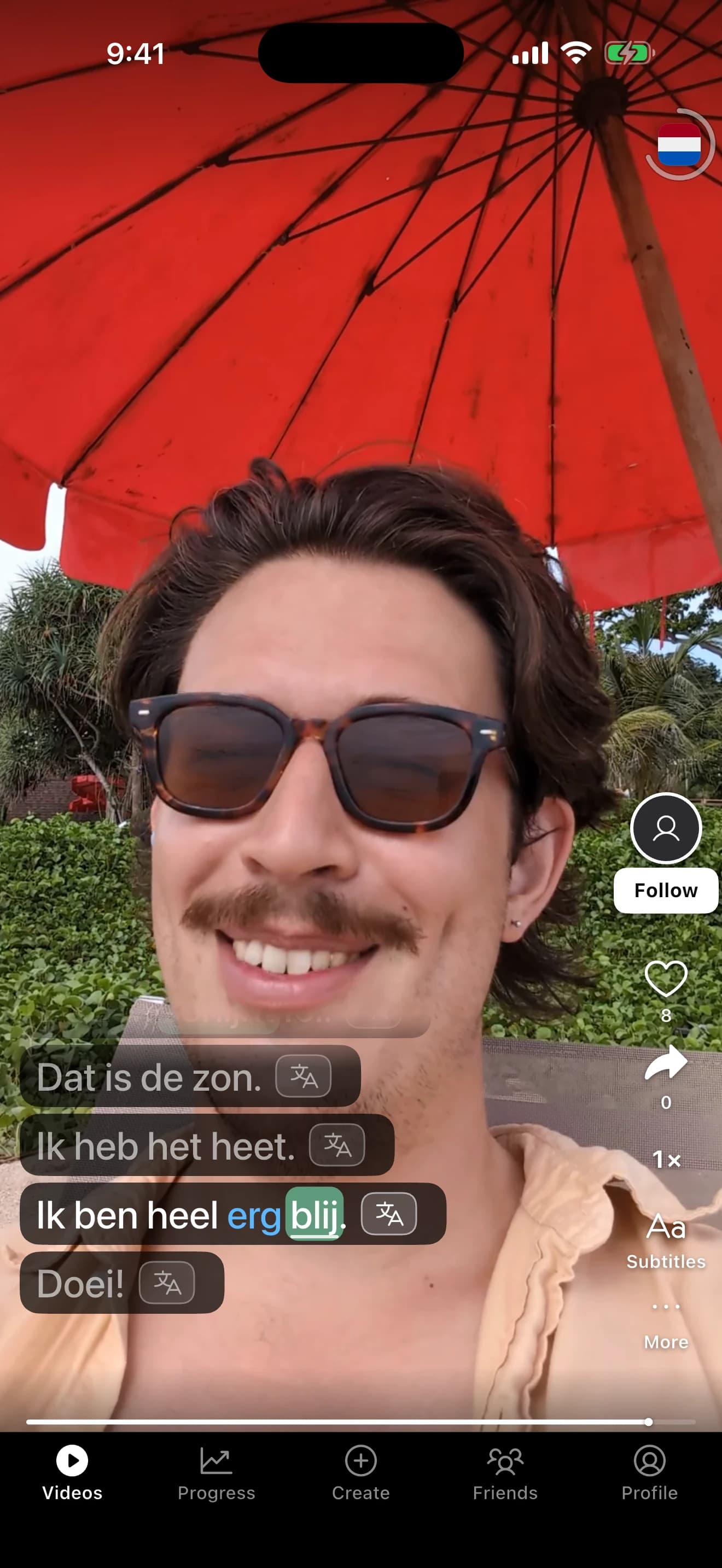
Words come back in new videos, days apart, from different people in different sentences. The colours in the subtitles show where each word stands.
newlearningreview
Grow
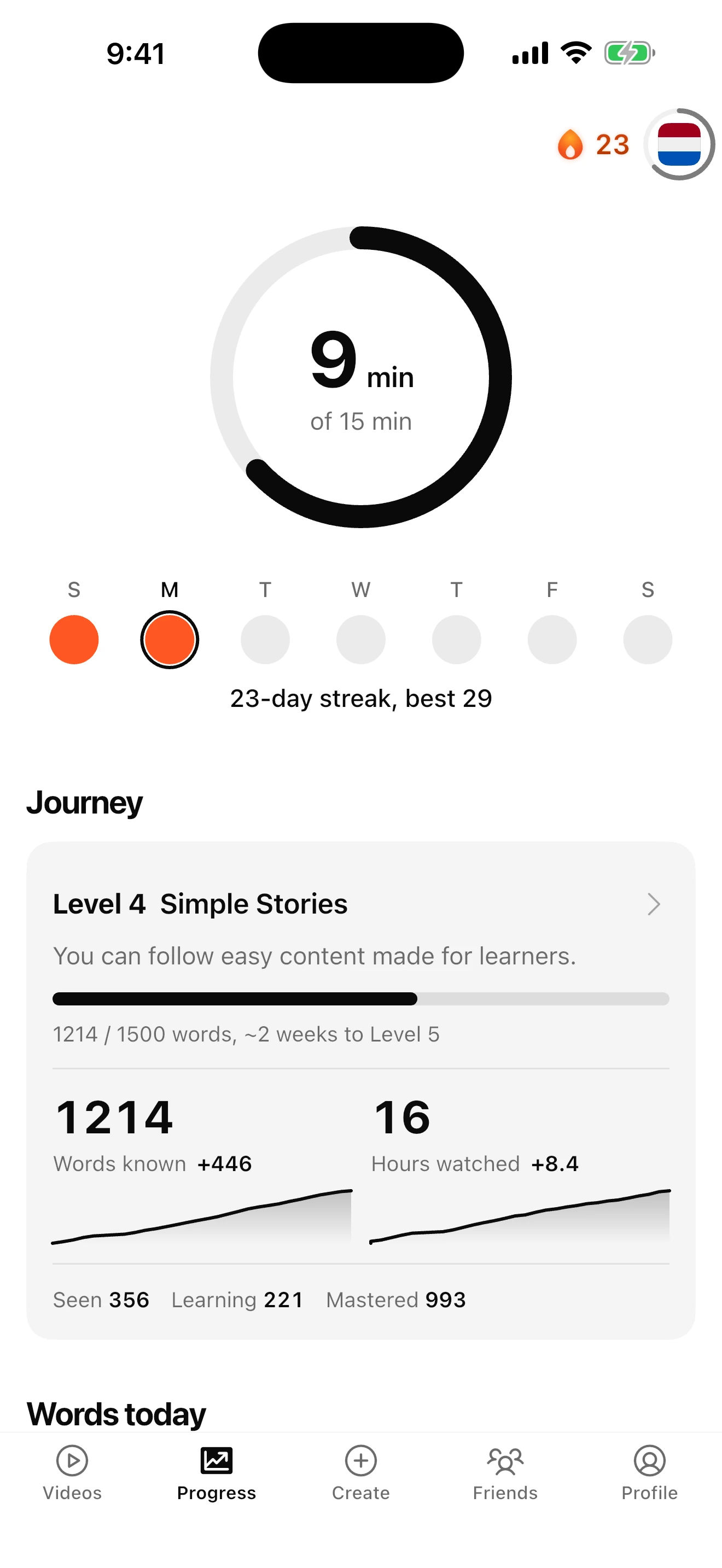
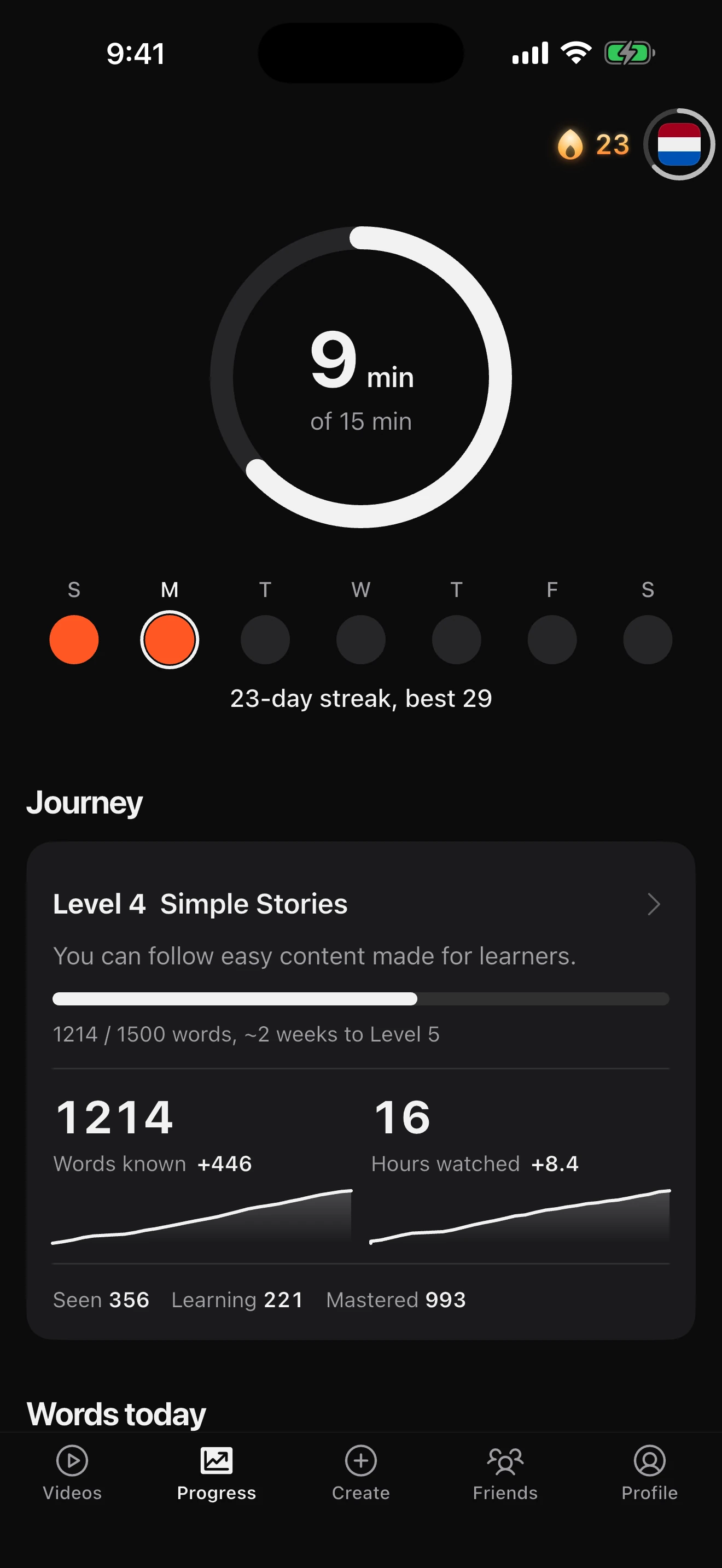
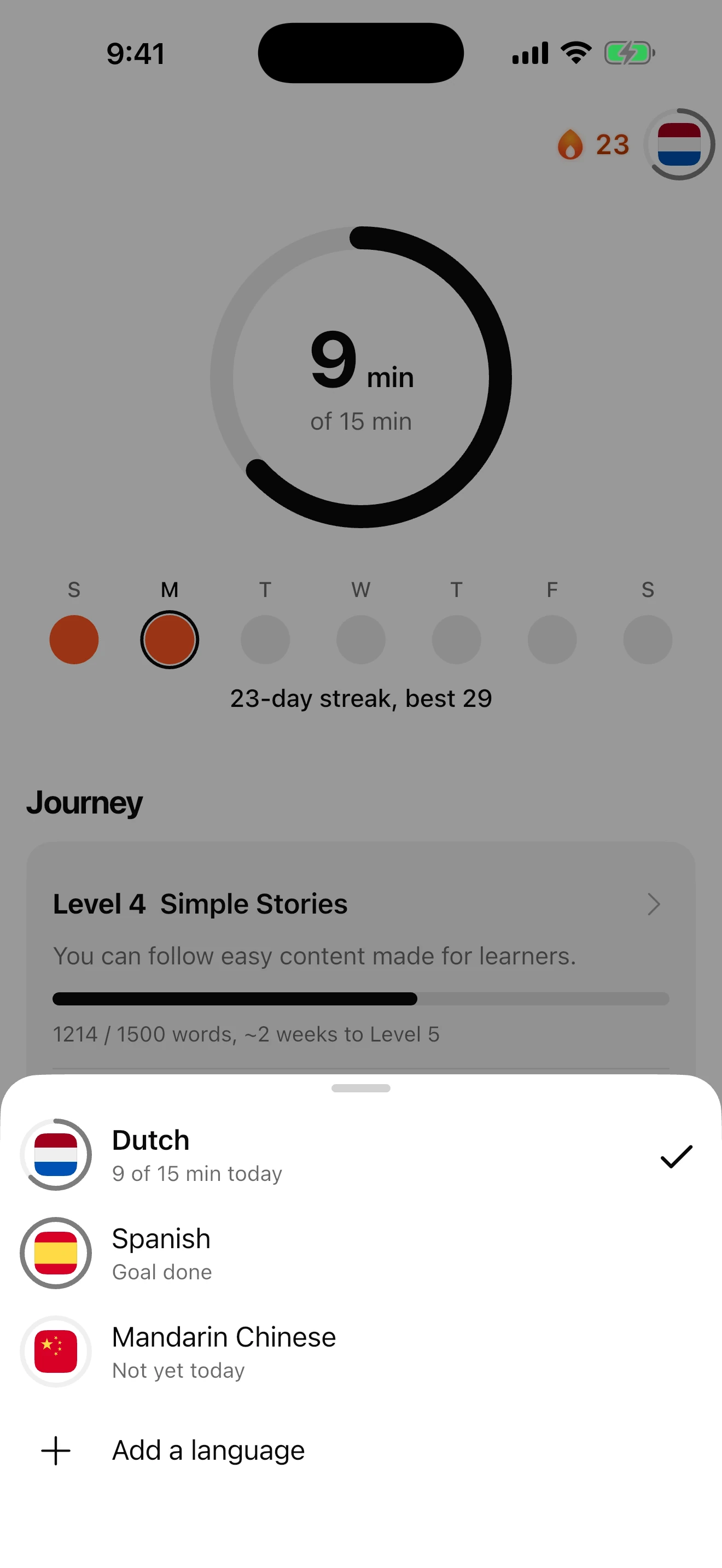
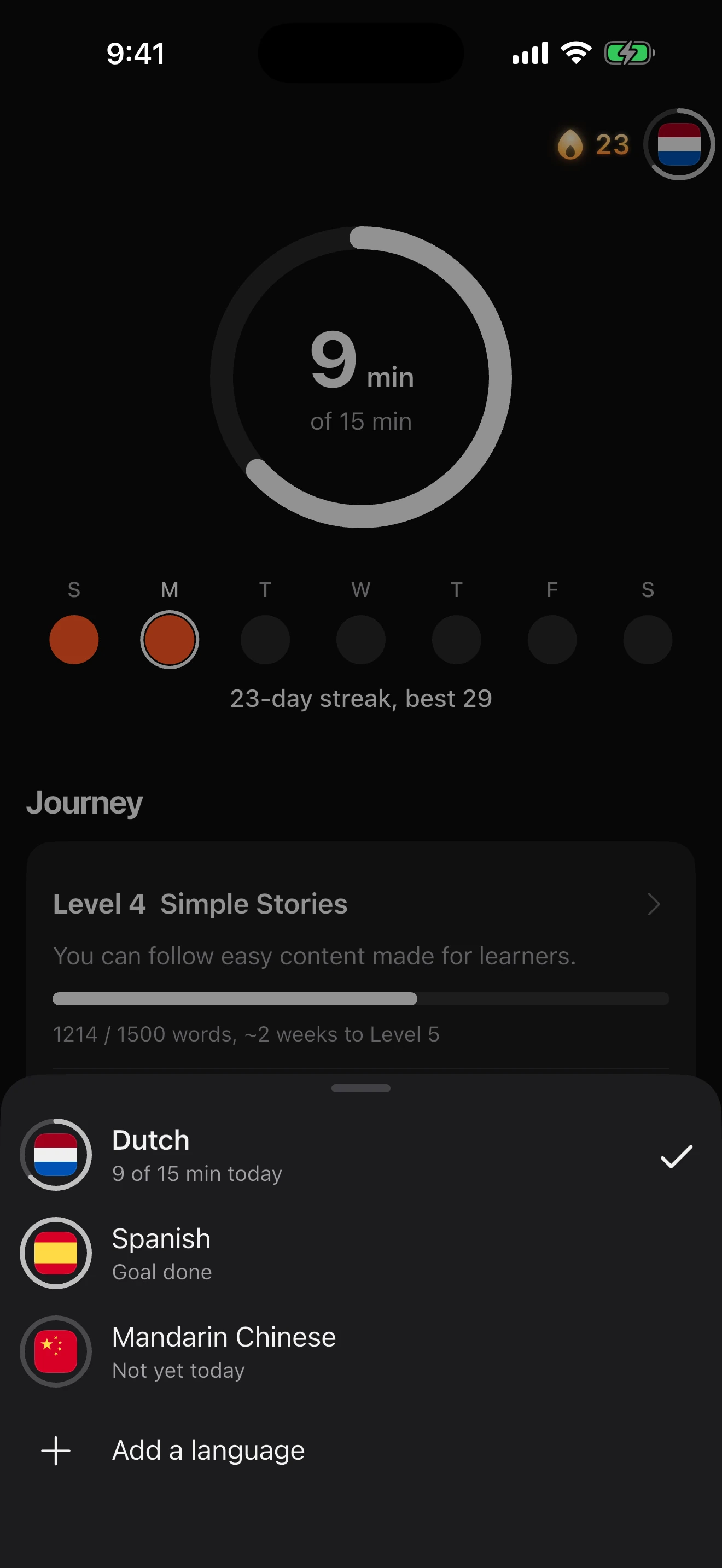
Every word you meet is counted. See how many you know and what level that makes you, with a daily goal of a few minutes that keeps your streak going.
Living in the Netherlands?
Everyone speaks excellent English, so the moment your Dutch stumbles, the conversation switches. The news and podcasts are made for native speakers, and an hour of them mostly teaches you that it was hard.
Short videos are the one kind of Dutch you control. Watch two minutes on the tram, hold the three words you didn't know, and you've understood the whole thing.
Learn one or all five, and switch between them any time. For Dutch, word meanings and sentence translations come in 17 languages, from Arabic to Ukrainian. For English, they come in every other language the app speaks.
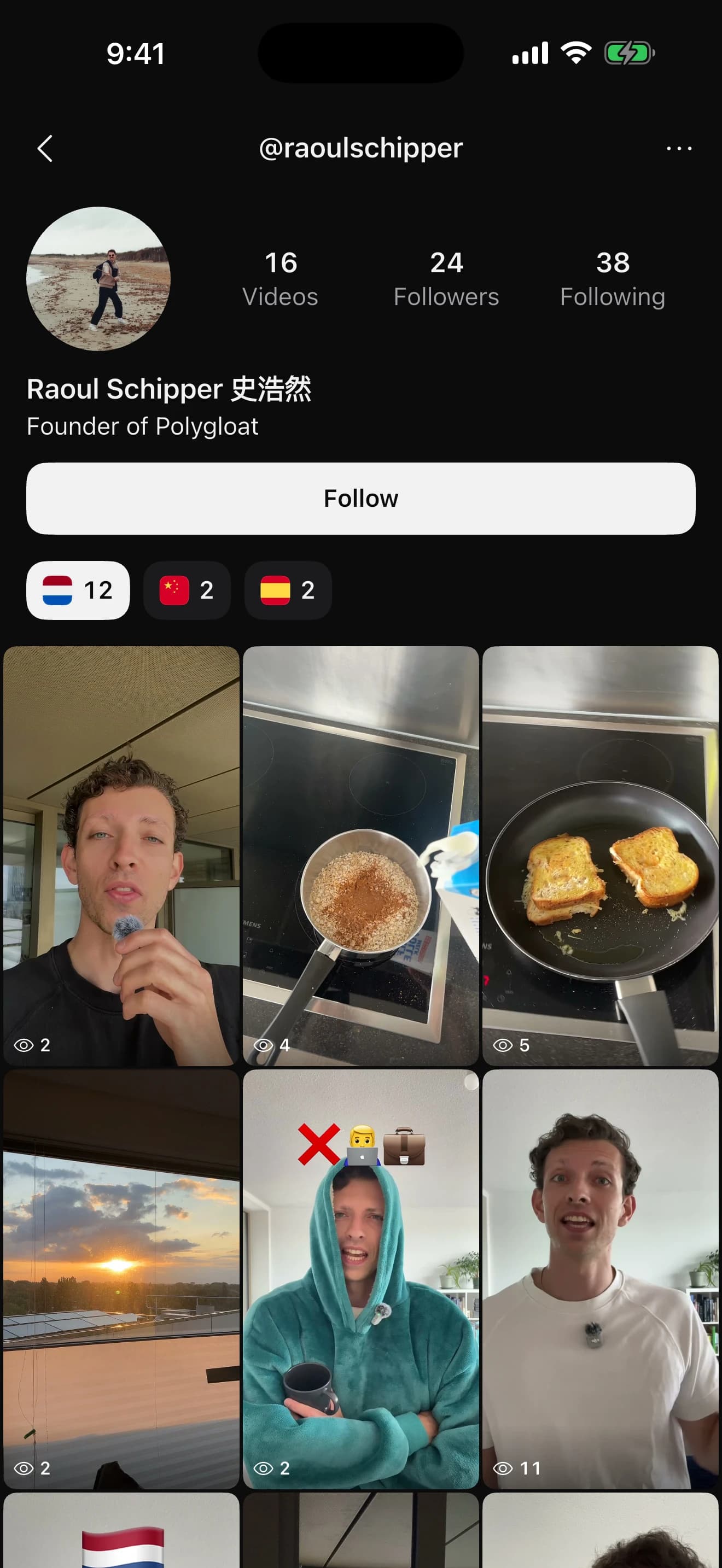
Every video is made by someone who speaks the language. Follow the people you enjoy, or post your own videos for other learners.
For creators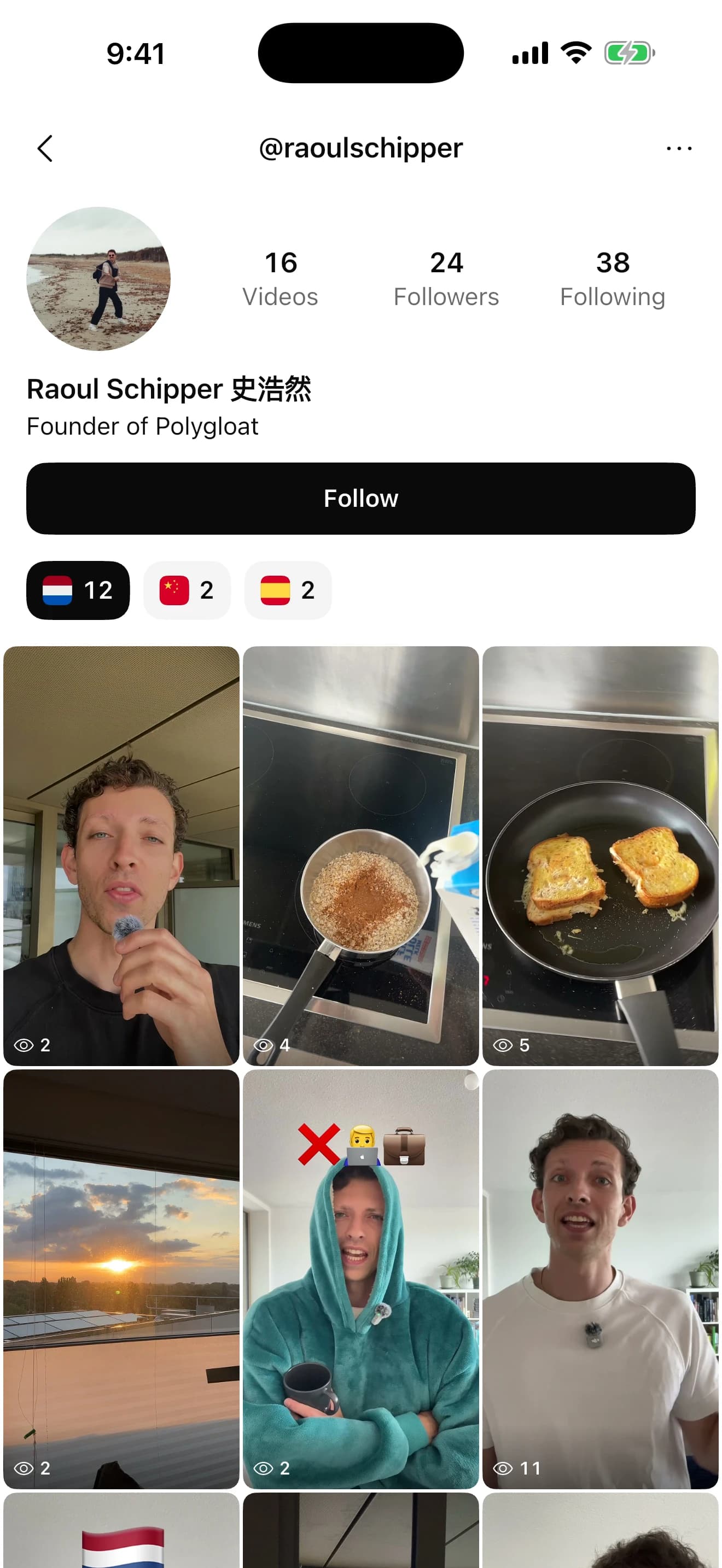
Polygloat is a language learning app built on comprehensible input. Instead of flashcards or grammar drills, you watch a feed of short videos in the language you're learning. Hold any word in the subtitles to see what it means in that sentence, and the app remembers it. You can learn Dutch, German, Spanish, Mandarin Chinese or English, free on the App Store and Google Play.
Comprehensible input is language you can mostly understand — material where you already know most of the words and can work the rest out from context. The idea, associated with linguist Stephen Krashen, is that you acquire a language by understanding messages in it rather than by studying rules about it. Polygloat puts that into practice by scoring every video against the words you personally know, and showing you the ones that sit just past your current level.
Flashcard apps ask you to review words out of context, on a schedule. Polygloat spaces the repetition too, but the review is a new video: a word you're due to see again turns up in a different sentence, from a different speaker, days later. You never work through a deck — you keep watching, and the feed handles the timing.
Dutch, German, Spanish, Mandarin Chinese and English, and you can switch between them any time. For Dutch, word meanings and sentence translations come in 17 languages, including English, Arabic, French, Turkish, Ukrainian and Chinese. To learn English, you get word meanings and sentence translations in any of the app's 17 other languages, from Arabic to Ukrainian.
It tracks every word you meet: the ones you looked up, the ones you watched past without stopping, and how often each has come back. That builds a word-by-word picture of your vocabulary, and every video in the library is scored against it. The feed then favours videos where you already know most of the words — which is the condition that makes input comprehensible.
Polygloat is free to download and use on Google Play and the App Store.
Yes. Polygloat is on the App Store for iPhone and on Google Play for Android, free on both.
Free to download. A few minutes a day adds up.